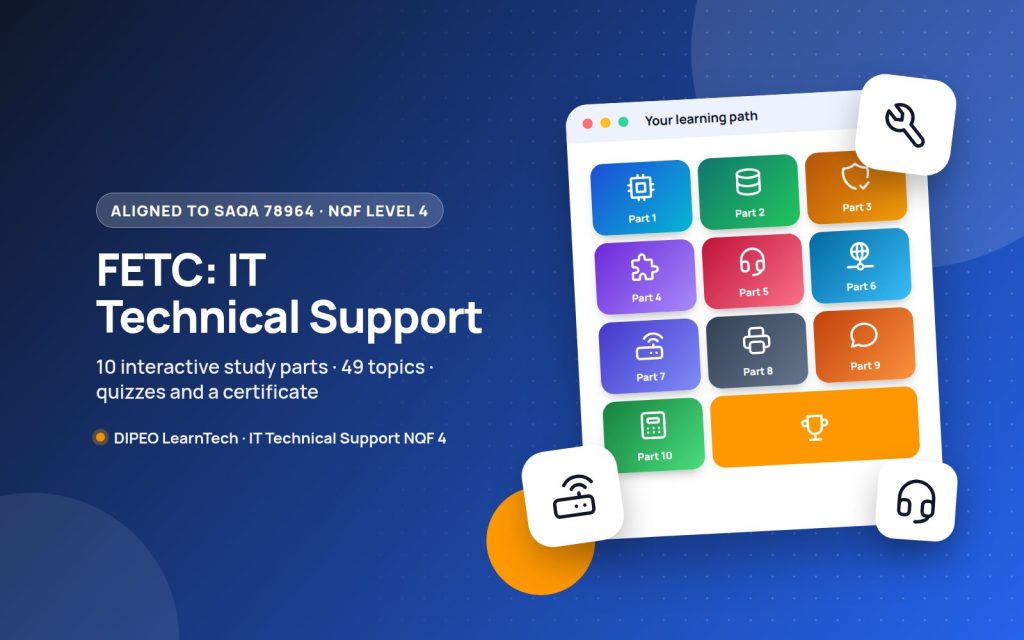
Become the technician every office relies on: computer architecture, data, safety and maintenance, troubleshooting, the service desk, networks and LAN installation, printers and scanners, plus the communication and maths that make you professional.
Ten study parts from first principles to network support
Each study part opens with clear outcomes, walks you through interactive topics and ends with a quiz. Pass a quiz with 80% to unlock the next part.
See the topics
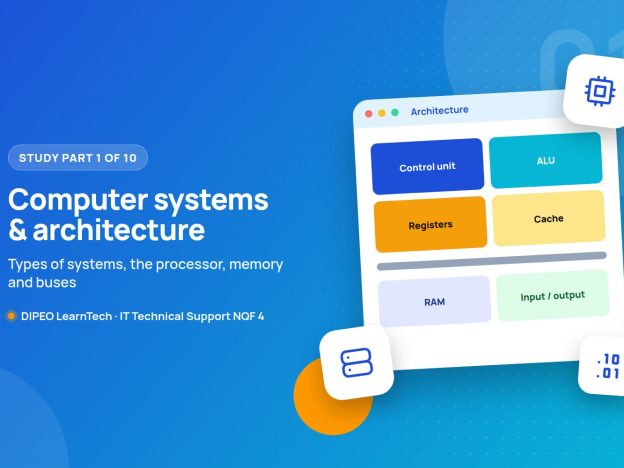
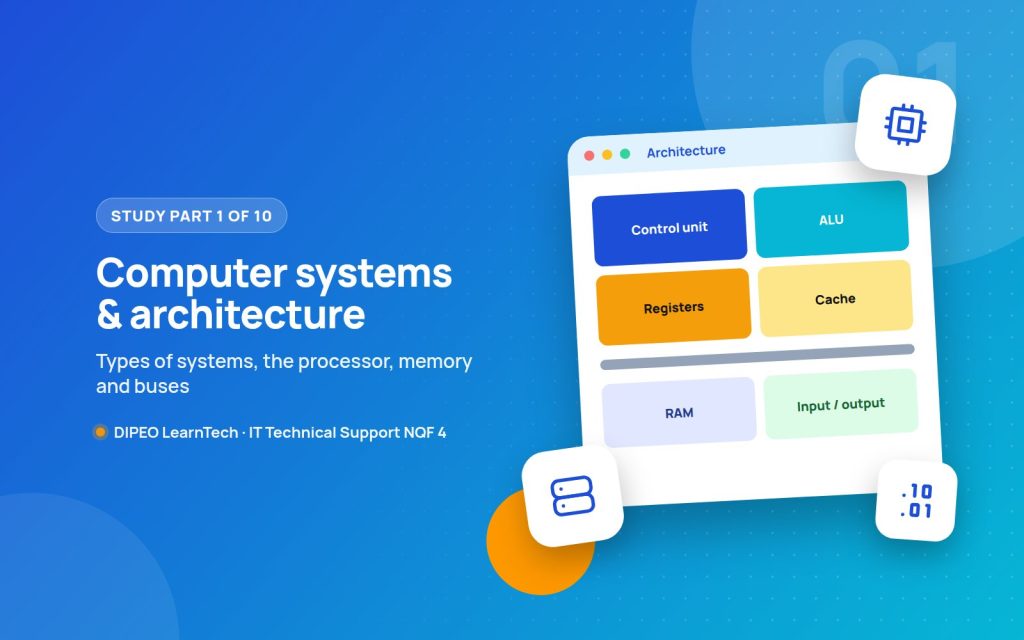
- Types of computer systems
- Past, present and future hardware
- Categories of computer applications
- How a computer is organised
- The processor at work
See the topics
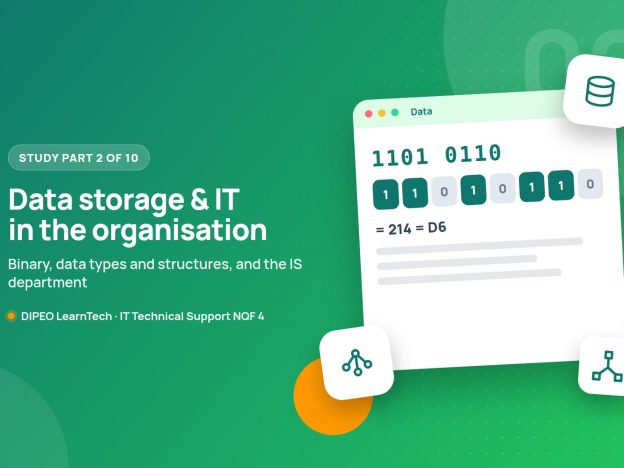
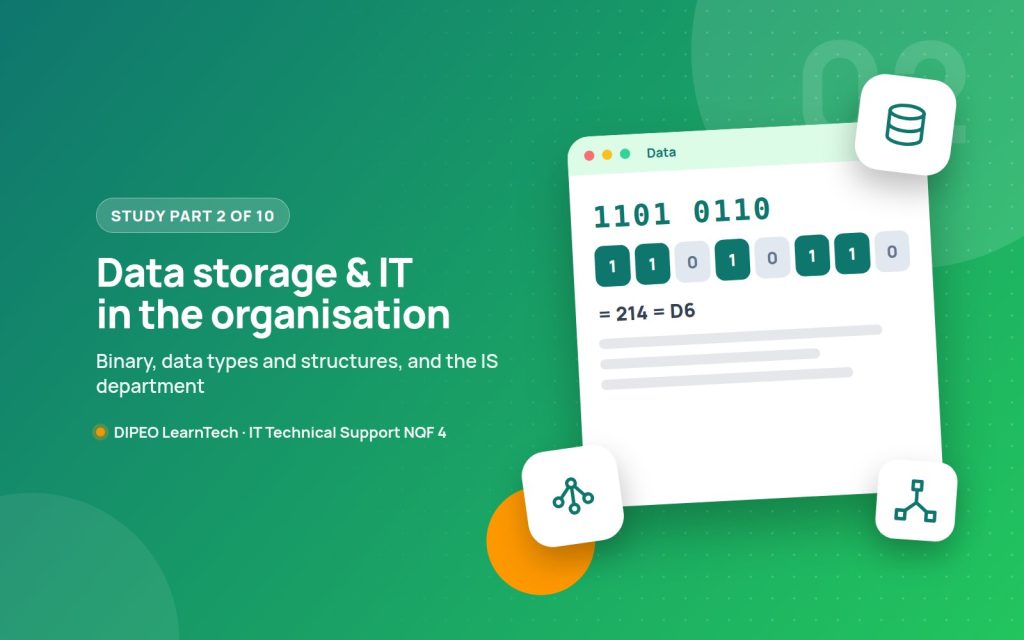
- Binary and data units
- Data types and character codes
- Data structures
- The information systems department
- Investigating technology use in an organisation
See the topics
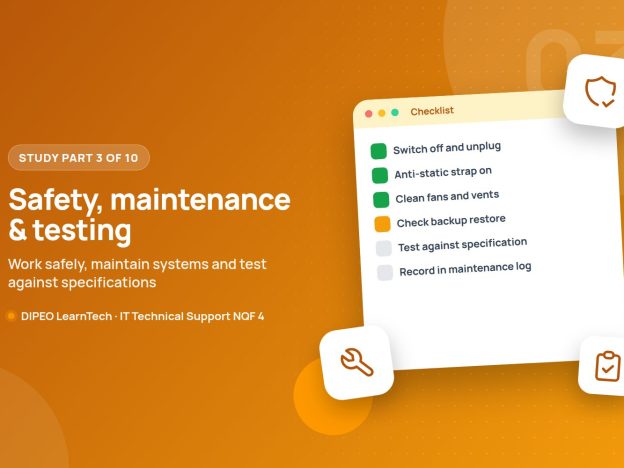
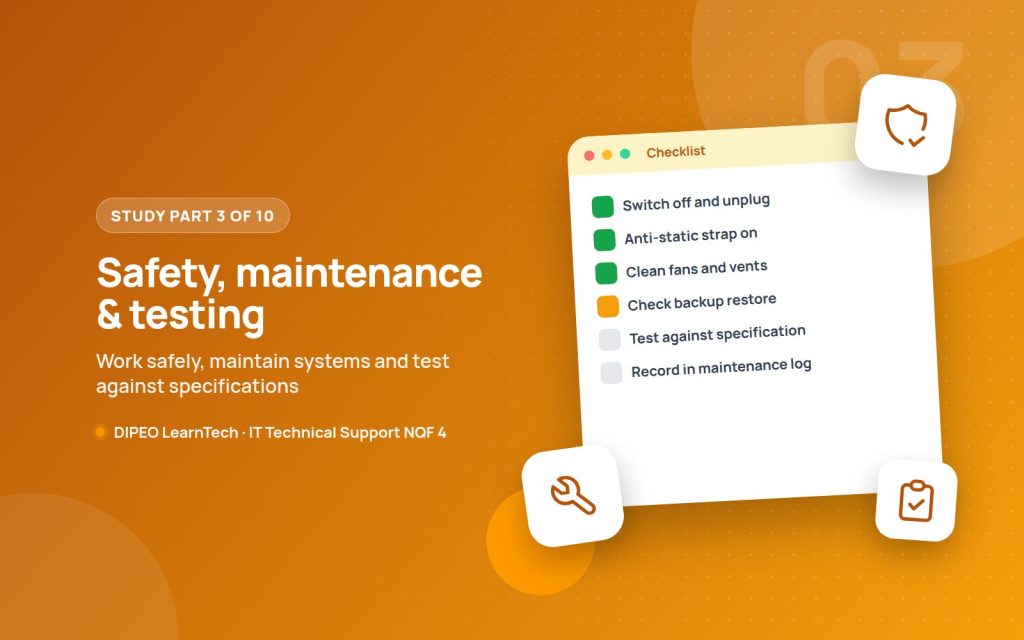
- Working safely with computers
- Preventive maintenance
- Protecting the environment
- Planning tests against a specification
- Running tests and recording results
See the topics
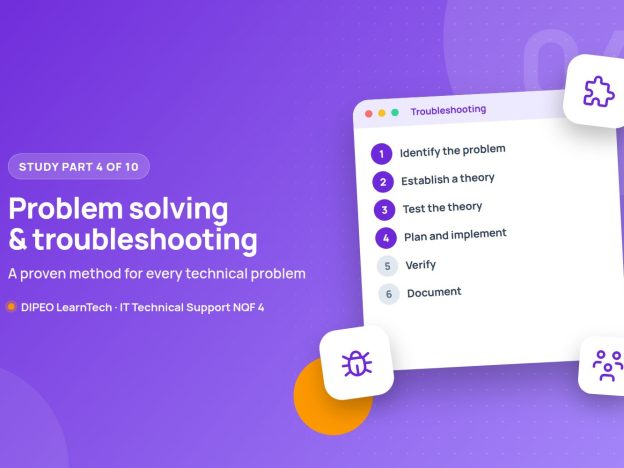
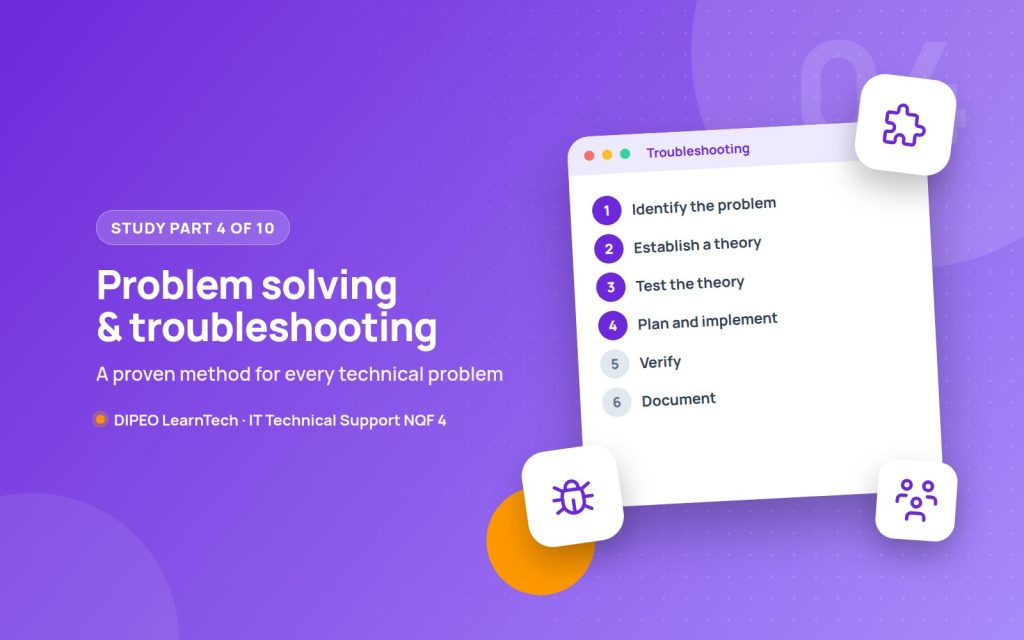
- Problem-solving strategies
- The troubleshooting method
- Common hardware and software faults
- Estimates and problem logs
- Solving problems as a team
See the topics
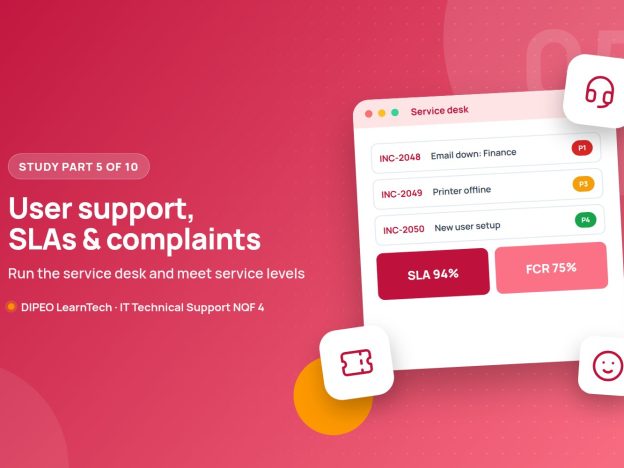
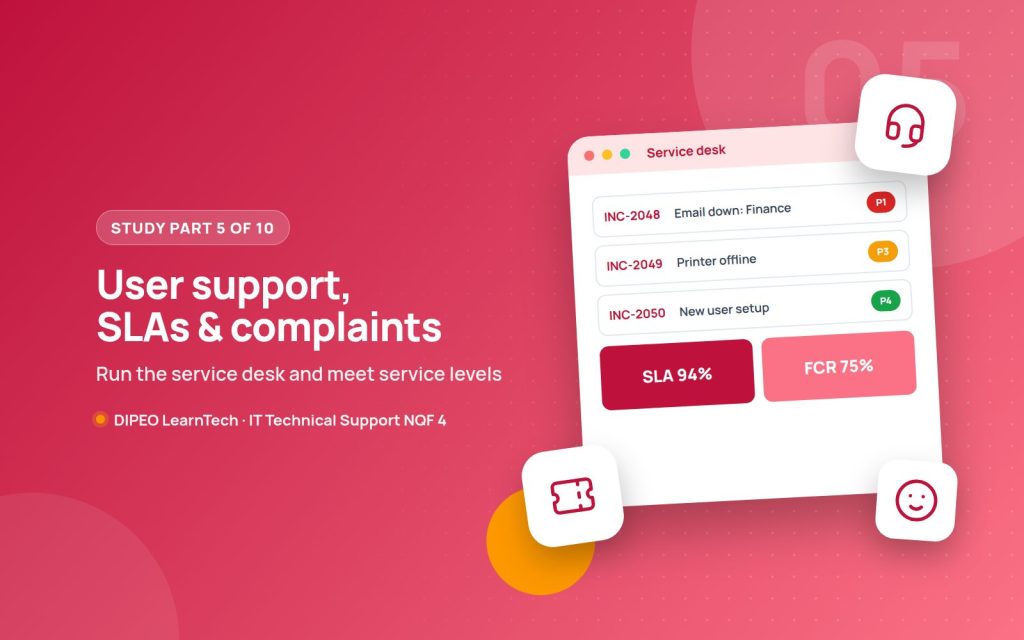
- Receiving and investigating user problems
- Solving, closing and escalating
- Service level agreements
- Meeting and maintaining service levels
- Handling customer complaints
See the topics
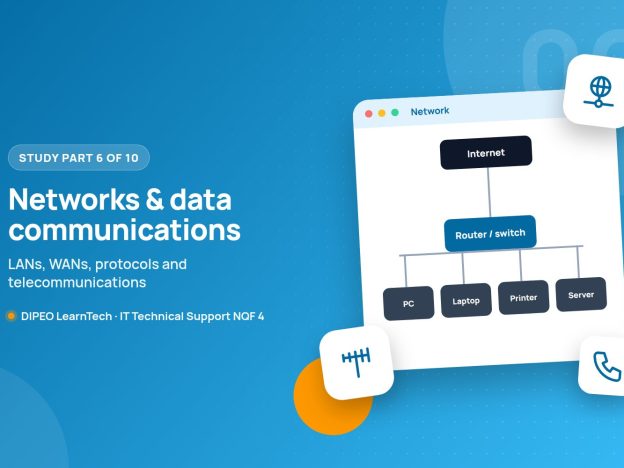
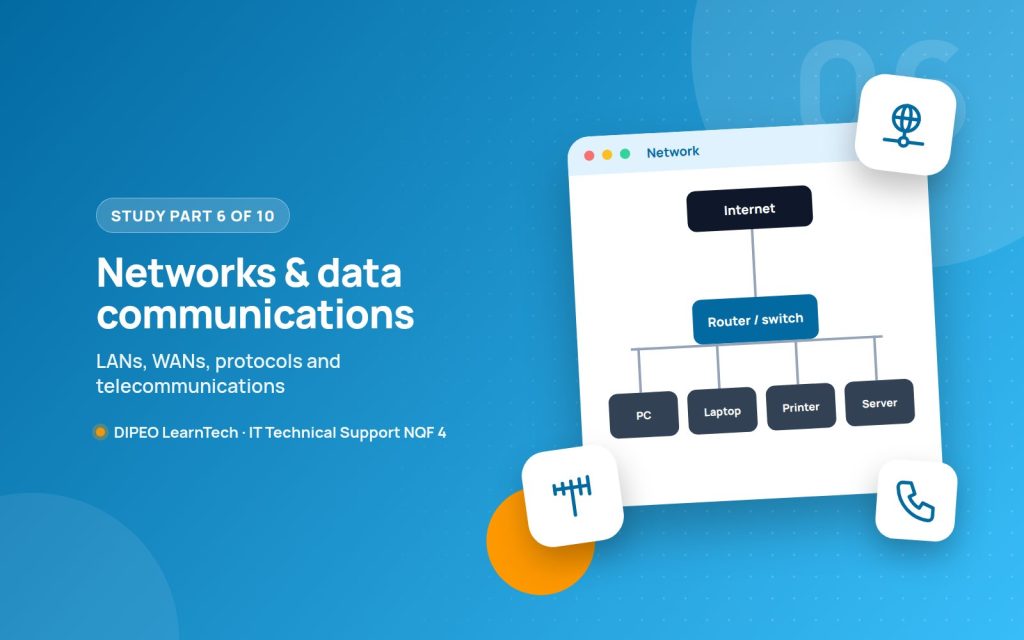
- Data communication basics
- Synchronous and asynchronous communication
- Local area networks
- Wide area networks and the internet
- Telecommunications concepts
See the topics
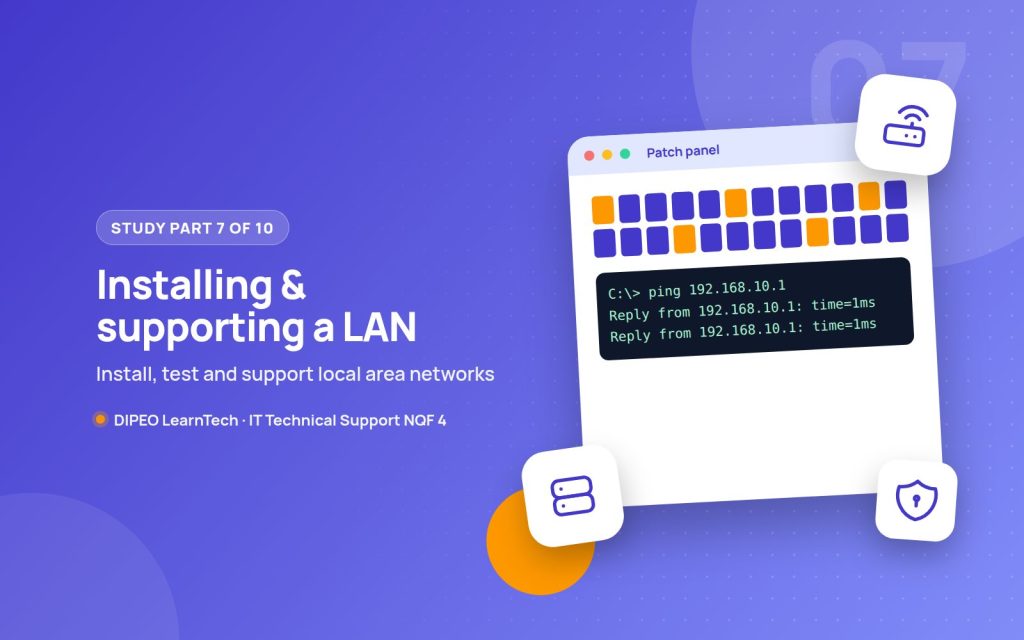
- Network layers and protocols
- Transmission security and integrity
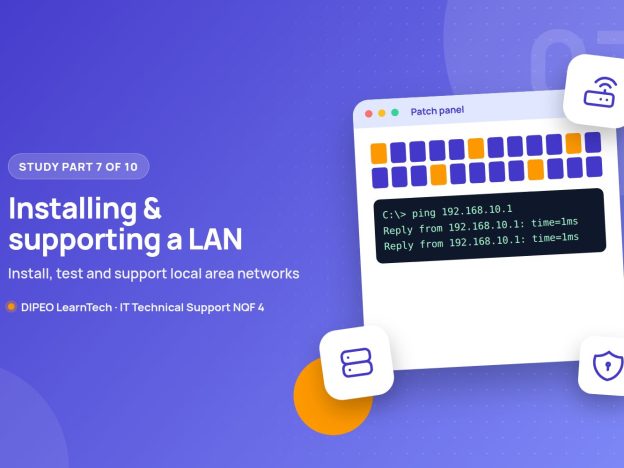
- Installing a local area network
- Installing networked application software
- Supporting LAN users and monitoring
See the topics
- How printers work
- Planning and installing printers
- Scanning systems
- Installing scanners and fixing print faults
See the topics
- Listening and speaking at work
- Reading manuals, policies and visual texts
- Writing emails, tickets and documentation
- Compiling reports
- Presenting and learning with confidence
See the topics
- Quotes, budgets and VAT
- Interest, inflation, leasing and depreciation
- Statistics at the help desk
- Probability, risk and misleading statistics
- Measurement, area, volume and scale
This is what learning feels like
Every topic has things to tap, sort, match, calculate and explore. Try three activities right here.
A user’s PC has fans running but no display and it beeps repeatedly at start-up. What should you check first?
Tap a term on the left, then its meaning on the right. 4 pairs to go
An interactive learning toolkit
What you will be able to do
Types of systems, architecture, the processor and how data is stored.
Safety, preventive maintenance, environmental care and testing.
Solve hardware and software problems with a proven method and keep proper logs.
Run the service desk, meet SLAs and handle complaints.
Data communication, LANs, WANs and telecommunications.
Plan, install, test and hand over networks and networked software.
Set up, review and fix office devices.
Write, report and present; quote, budget and analyse data.
Learn at your own pace
- Enrol and open Study Part 1. Your progress saves automatically.
- Learn by doing: complete the activities in each topic. The progress bar shows how far you are.
- Pass each quiz with 80% to unlock the next study part.
- Apply it at work: use the checklists and logs in your workplace tasks.
- Earn your DIPEO certificate of completion when you finish all 10 parts.
Training a team of technicians? Bring the programme to your organisation.
Enrol learners in groups, track every learner’s progress in the Learning Admin portal, and combine online learning with practical workshops, workplace tasks and portfolio support from an accredited partner.
Frequently asked questions
Is this an accredited qualification?
The course is aligned to the curriculum of the SAQA 78964 Further Education and Training Certificate: Information Technology: Technical Support (NQF 4). DIPEO issues a certificate of completion. Formal assessment, a portfolio of evidence and any national certificate are handled through an accredited skills development provider against the currently registered qualification.
How long does it take?
About 25 hours of guided online learning, plus practical and workplace time. The full qualification is designed for at least 163 credits (about 1 630 notional hours), so most learners spread it over a year.
Which specialisation does it cover?
Study Parts 6 to 8 follow the Data Communications and Networking specialisation, with printers and scanners from the office products field.
Do I need my own equipment?
You can learn every topic in the browser. Practical skills such as cabling, installation and repairs should be practised in a workshop or workplace under supervision.
Does it work on my phone?
Yes. Every page and activity is designed for phones, tablets and computers.
Who is it for?
School leavers and junior staff starting in IT support, service desk agents who want to move into technical roles, learnership programmes and training providers who want a digital companion for classroom delivery.