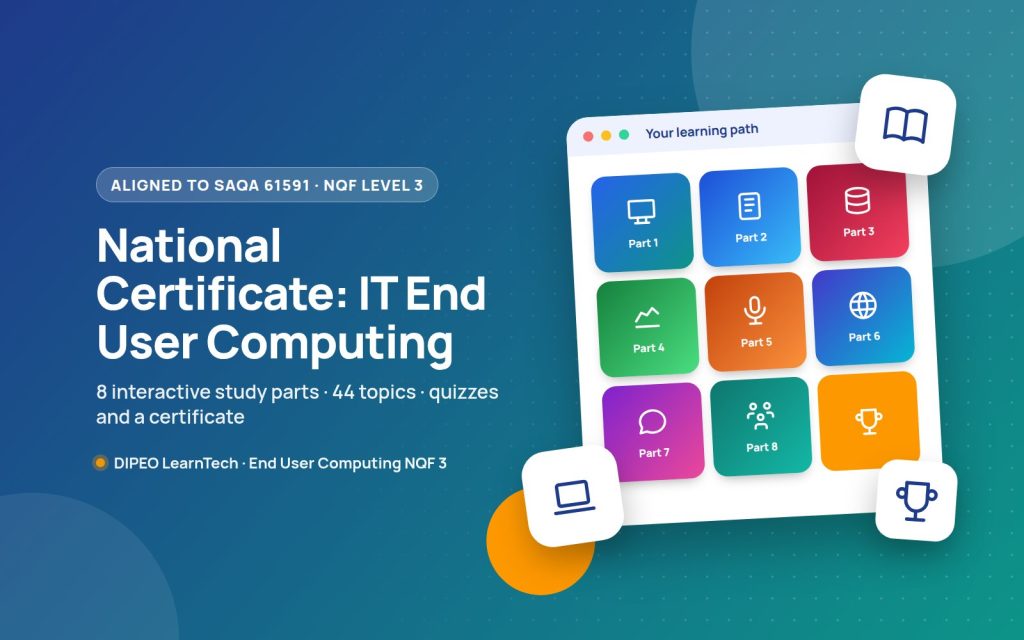
From the inside of the PC to Word, Excel, Access, PowerPoint, safe internet and email, workplace communication, everyday maths and project teamwork: a complete, hands-on pathway built for the modern South African workplace.
Eight study parts, one qualification-aligned journey
Each study part opens with clear outcomes, walks you through interactive topics and ends with a quiz. Pass a quiz with 80% to unlock the next part.
See the topics
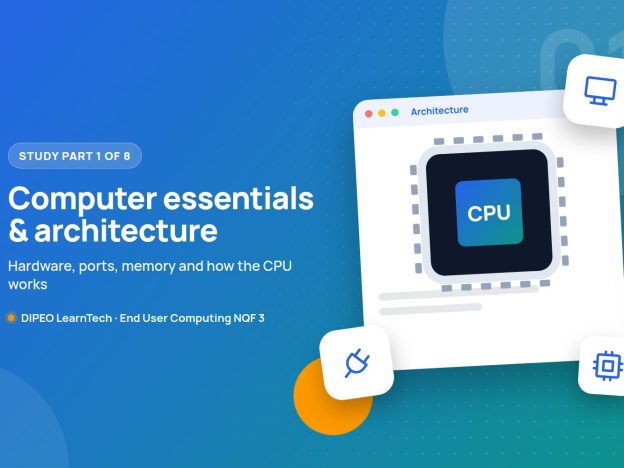
- IT certifications and the computer system
- Inside the case: power supply and motherboard
- The processor, memory and storage
- Ports, cables and peripheral devices
- Computer architecture: instruction sets and the CPU
See the topics
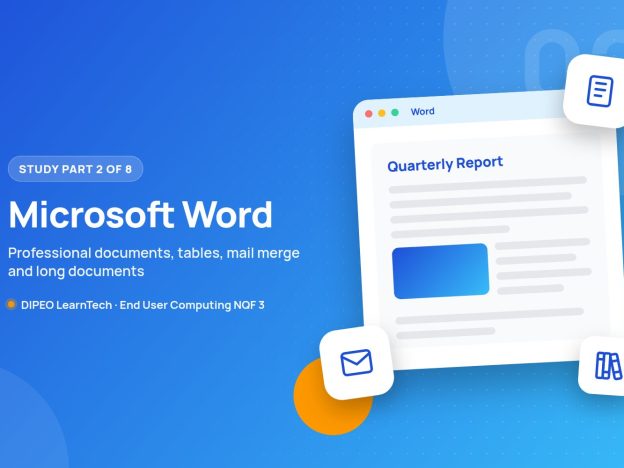
- The Word window and managing documents
- Formatting text and paragraphs
- Page layout, headers, footers and columns
- Tables and sorting information
- Mail merge: personalised letters and labels
- Styles, captions, contents and reviewing
See the topics
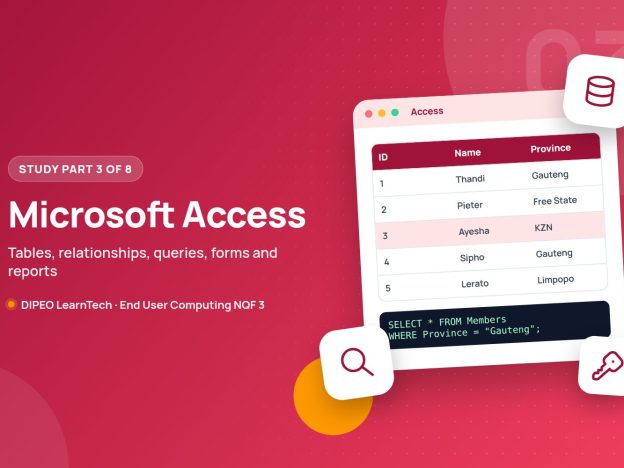
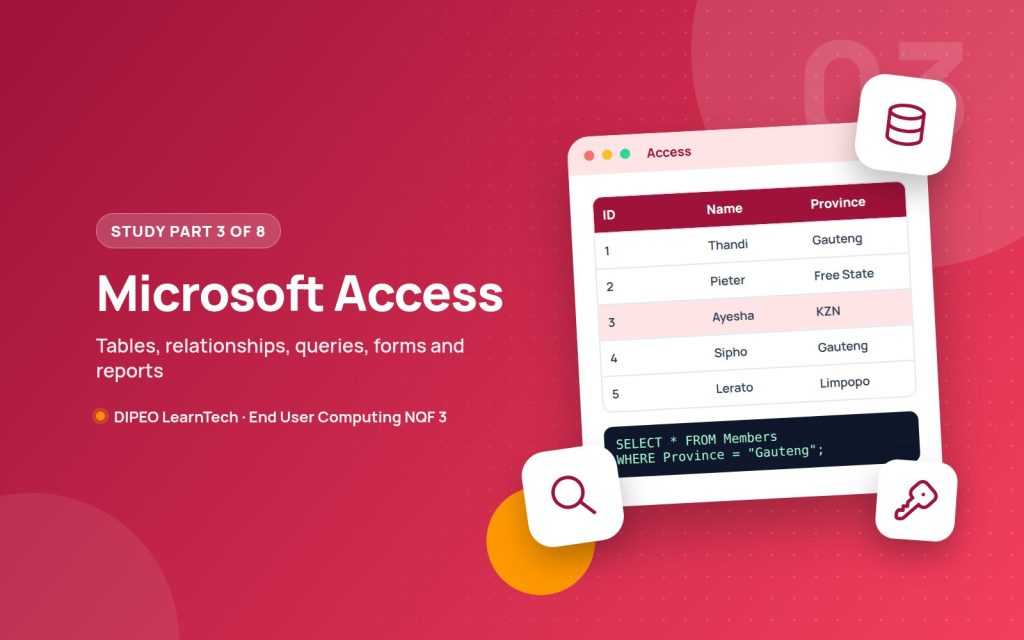
- What is a database?
- Designing tables and relationships
- Queries: find the data you need
- Forms and reports
- Keeping data accurate and safe
See the topics
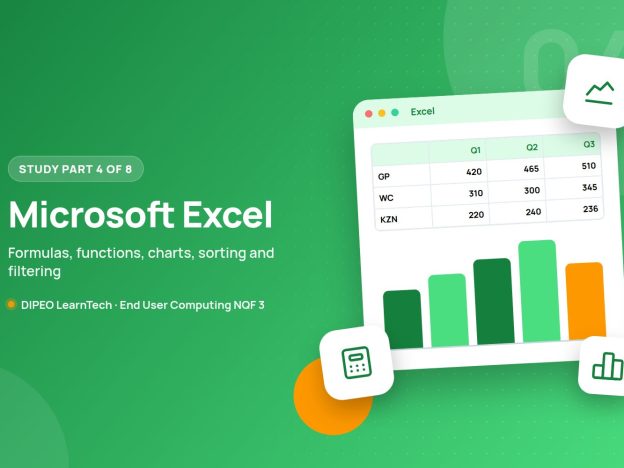
- The Excel workspace: cells, ranges and sheets
- Entering and formatting data
- Formulas and cell references
- Functions: SUM, AVERAGE, IF and lookups
- Charts that tell the story
- Sort, filter and print
See the topics
- The PowerPoint window and views
- Designing slides that work
- Pictures, SmartArt, tables and charts
- Transitions and animations
- Delivering and sharing your presentation
See the topics
- The internet and web browsers
- Staying safe online
- Email essentials
- Managing your mailbox, calendar and contacts
- Research skills: search, evaluate and reference
See the topics
- Communicating in the workplace
- Writing for work: letters, memos, reports and emails
- Reading, interpreting and presenting information
- HIV/AIDS in the workplace
- Numbers at work: percentages, VAT and ratios
- Measurement, shape and space
- Data, statistics and personal finance
See the topics
- What is a project?
- Team roles and how teams develop
- Planning and tracking work
- Communication, meetings and conflict
- Problem solving, quality and closing a project
This is what learning feels like
No walls of text. Every topic has things to tap, flip, sort, match and explore. Try three activities right here.
Which Excel formula adds the values in cells B2 to B5?
Tap a term on the left, then its meaning on the right. 4 pairs to go
An interactive learning toolkit
What you will be able to do
Explain hardware, software, ports and computer architecture.
Format, merge and finish professional Word documents.
Design Access tables, queries, forms and reports.
Build Excel formulas, functions and charts.
Design and deliver PowerPoint presentations.
Browse, email and research securely and professionally.
Write for work, understand HIV/AIDS in the workplace and use everyday maths.
Plan, track and deliver projects with others.
Learn at your own pace
- Enrol and open Study Part 1. Your progress saves automatically.
- Learn by doing: complete the activities in each topic. The progress bar shows how far you are.
- Practise with downloadable DIPEO Excel, Word and PowerPoint practice files.
- Pass each quiz with 80% to unlock the next study part.
- Earn your DIPEO certificate of completion when you finish all eight parts.
Training a team? Bring the whole qualification to your organisation.
Enrol your staff in groups, track every learner’s progress in the Learning Admin portal, and combine online learning with facilitated sessions and portfolio support from an accredited partner.
Frequently asked questions
Is this an accredited qualification?
The course is aligned to the SAQA 61591 National Certificate: IT End User Computing (NQF 3) curriculum. DIPEO issues a certificate of completion. Formal assessment, a portfolio of evidence and the national certificate are handled through an accredited skills development provider.
How long does it take?
About 23 hours of guided online learning, plus practice time. The full qualification is designed for around 1 300 notional hours including workplace practice, so most learners spread it over several months.
Do I need Microsoft Office?
You can learn every topic in the browser. To practise with the downloadable files you need Microsoft 365 or a recent version of Word, Excel and PowerPoint.
Does it work on my phone?
Yes. Every page and activity is designed for phones, tablets and computers.
Can my company track staff progress?
Yes. Team packages include group enrolment and progress reports through the DIPEO Learning Admin portal.
Who is it for?
Employees who use computers at work, school leavers entering the workplace (Grade 10–11 with English and Maths or Maths Literacy) and training providers who want a digital companion for classroom delivery.